
No more time spent on plumbing
SSL, CI, registries, secrets, dashboards, log pipelines. All running underneath, all out of your week.
Your stack, your editor, your AI. nodge runs the platform underneath, so one developer can ship what used to take a team.
The work you wanted to do, with the platform under it already running.
SSL, CI, registries, secrets, dashboards, log pipelines. All running underneath, all out of your week.
Any language, any framework, any IDE, any coding agent. Bring your stack, nodge runs underneath it.
The internal tool. The customer portal. The agent that handles the support queue. The platform underneath is already running, so the project that used to take a quarter takes a week.
Source control, deploys, logs, dashboards, secrets. All in one place. No glue code. No tab juggling. No "who owns this part of the stack."
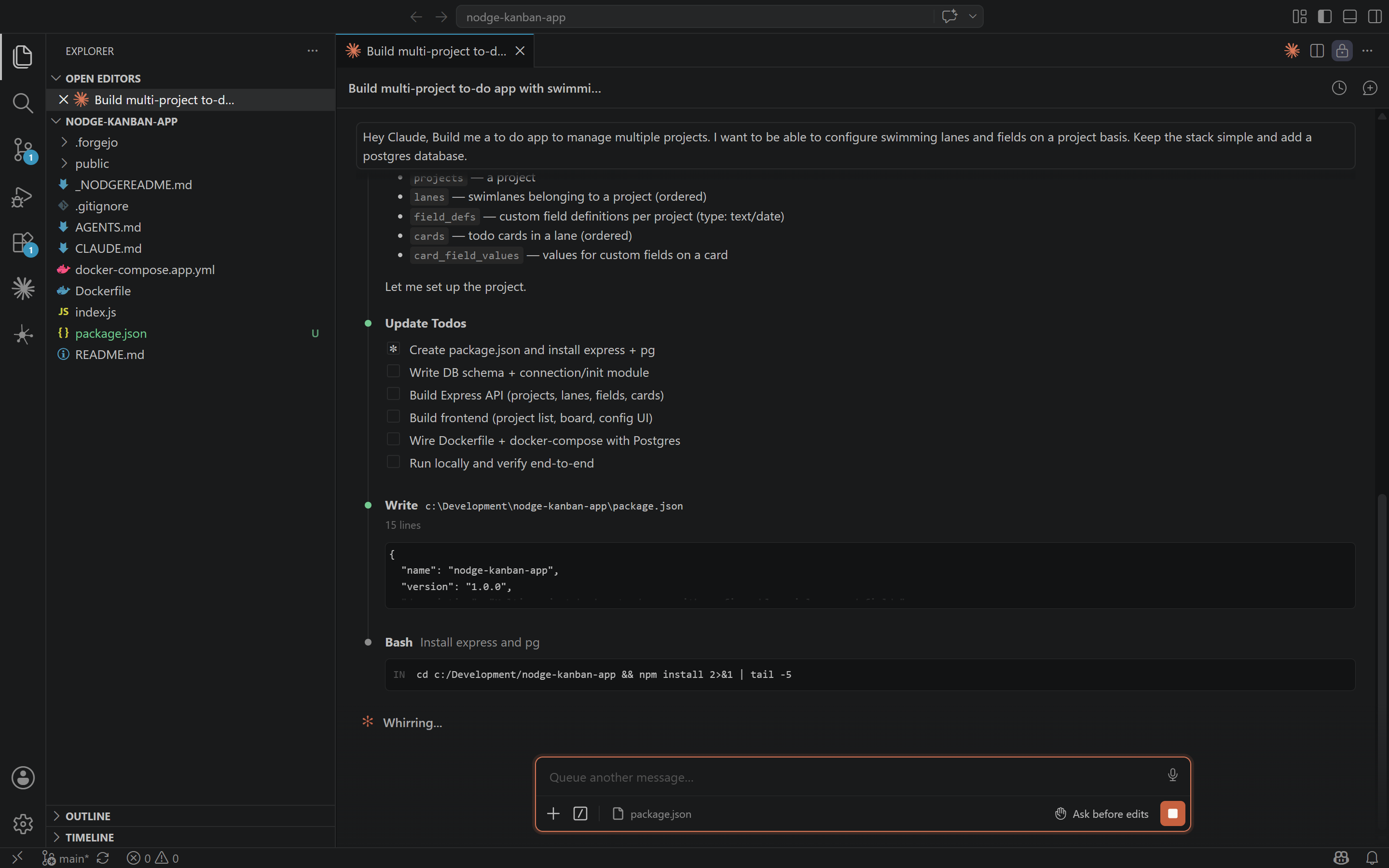
Logs, metrics, events, and the full app landscape are wired into your coding agent through MCP. Your agent sees what you see, the moment you see it.
Build product, run it in production, monitor it, give it an AI surface. All from one place, with the tools you already use. One developer covering ground that used to need a team.
The full DevOps cycle, already wired up. Per project. From minute one.
git push deploysEverything above is already running. Here is what is left for you to do.
Pick a template or start from scratch. nodge provisions the git repo, pipeline, environments, and routing for you.
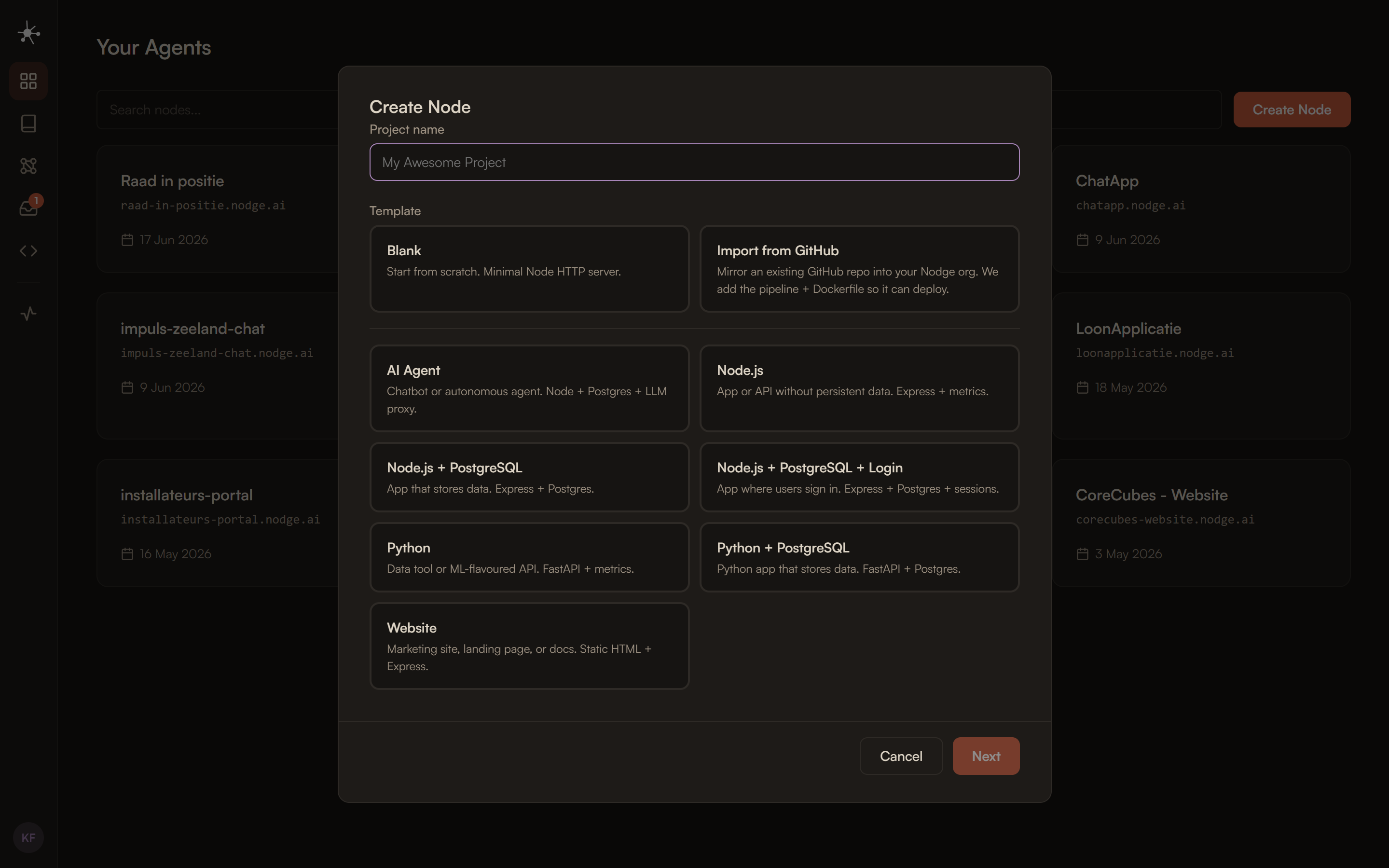
Your IDE, your coding agent. nodge MCP gives your agent direct access to your logs, metrics, and the rest of your landscape.
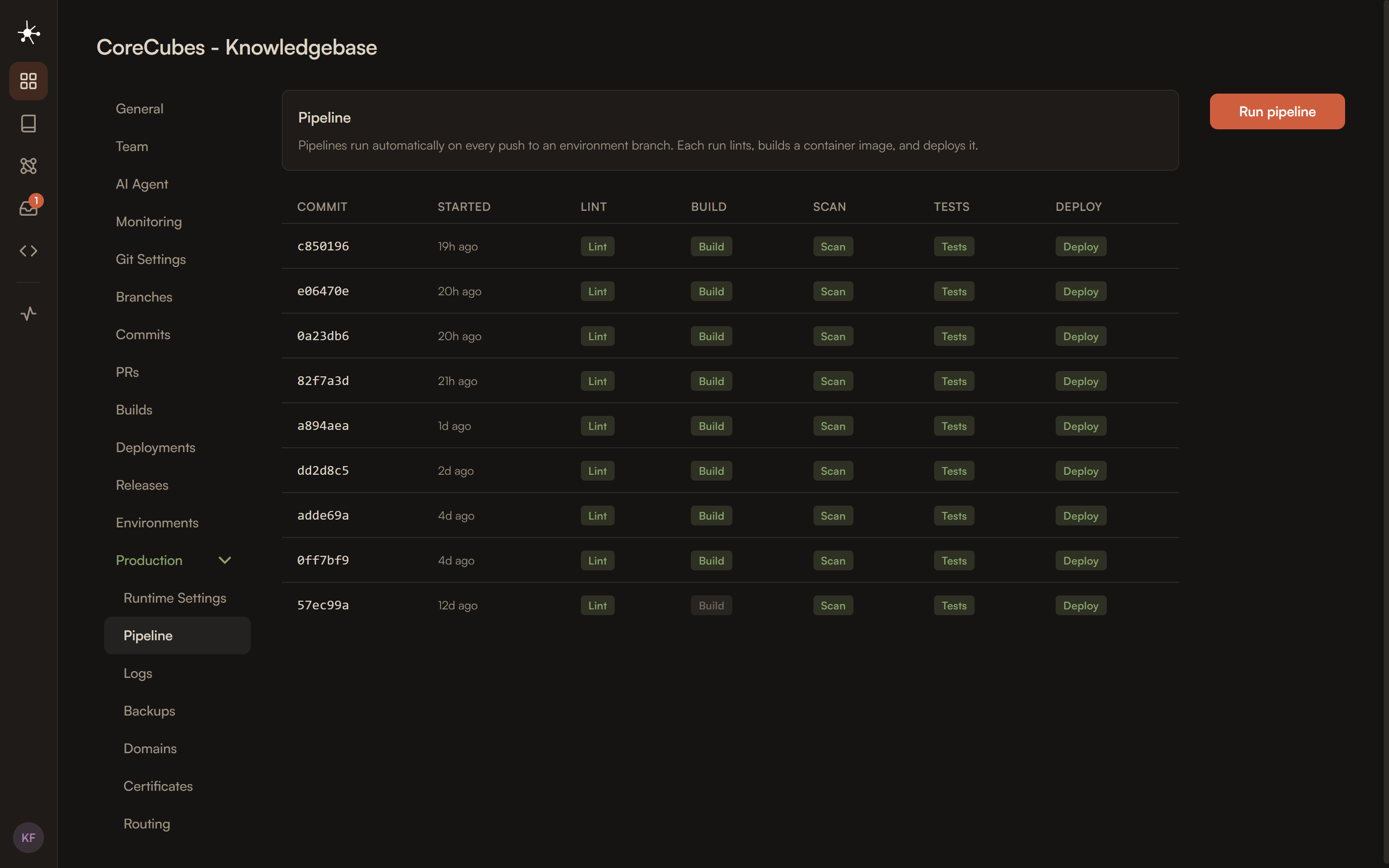
git push. The pipeline checks your code, builds your container, scans it, and deploys it. No manifests to write.
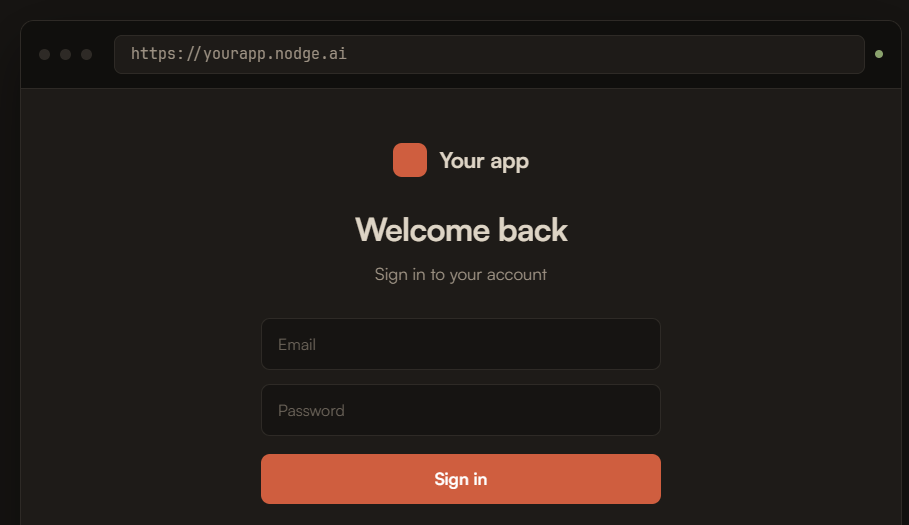
Your app is running at {slug}.nodge.ai with SSL and zero-downtime rollouts out of the box.
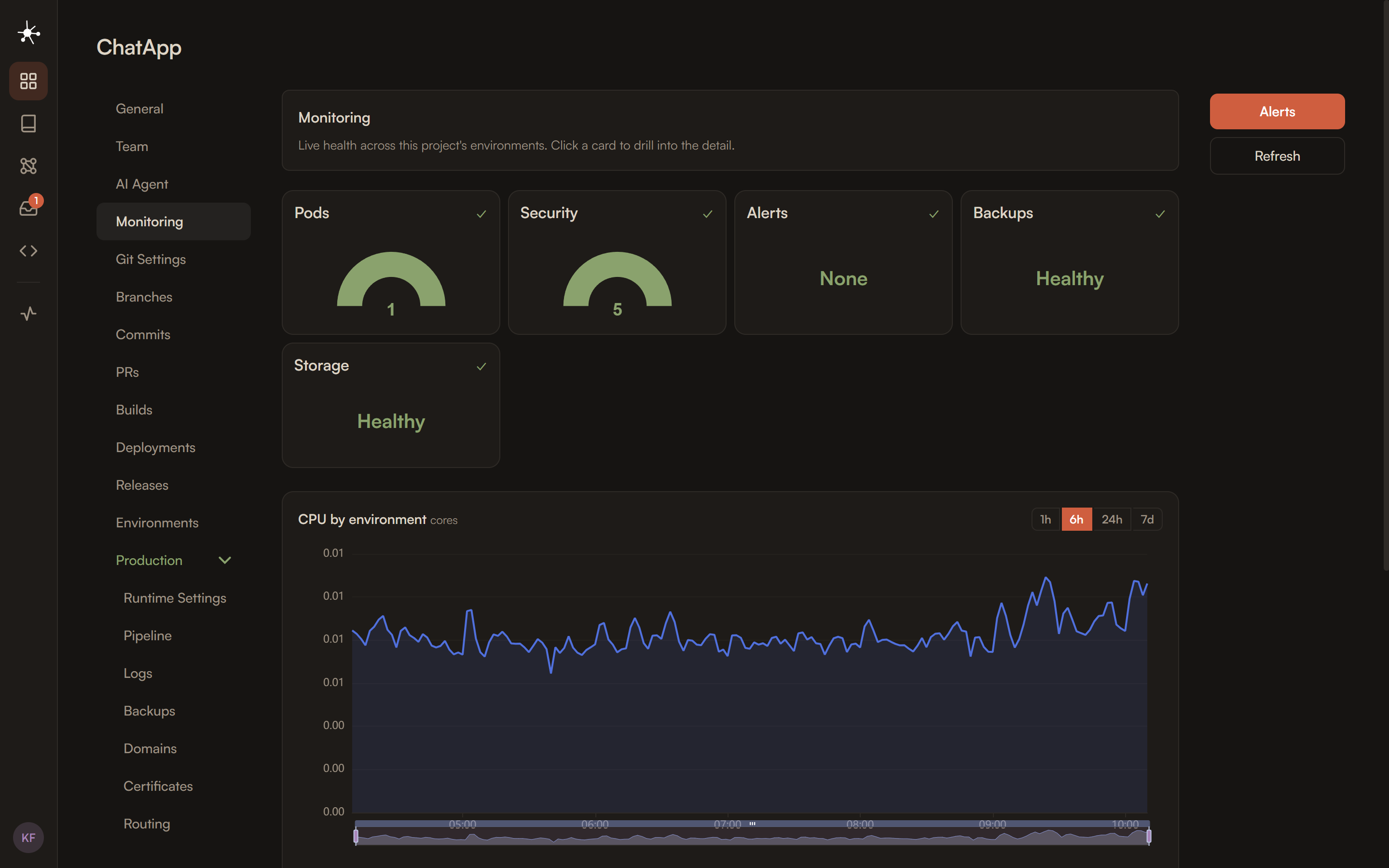
Prometheus, Grafana, and Loki per project. Metrics, logs, and dashboards on by default, no setup required.
Start your first project free. See how much of your week comes back.